AI & Automation
AI Automation for Small Businesses: What Should You Automate First?
A practical guide to identifying the repetitive business processes that are actually worth automating — and the ones you should leave alone for now.
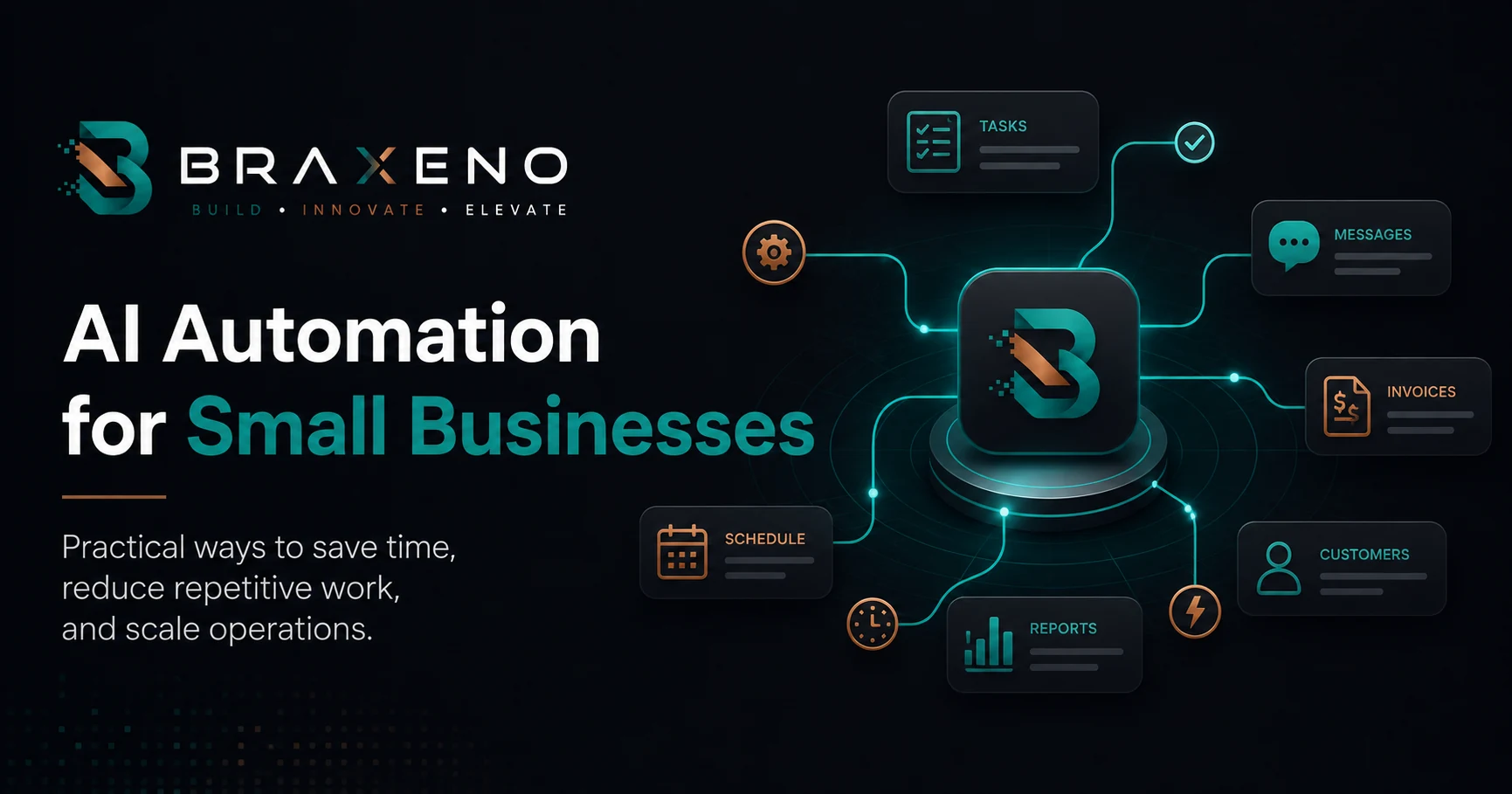
Most small teams do not have an automation problem. They have a prioritisation problem. There are twenty things that could be automated, no obvious place to start, and no spare capacity to run a six-month transformation project while the business keeps operating.
This guide is about picking the first one correctly. It covers what AI automation actually means in a small-business context, which processes tend to be good first candidates, how to evaluate an opportunity before you commit engineering time, and — just as importantly — which work you should deliberately leave to people.
What Is AI Automation?
Traditional business process automation follows fixed rules. When a form is submitted, create a record. When an invoice is approved, send it to accounting. The logic is deterministic: the same input always produces the same output, and anything the rules did not anticipate falls out of the process and lands on someone's desk.
AI automation adds a second capability to that picture: handling inputs that are messy, unstructured, or written in natural language. A language model can read an inbound email and decide what it is about. It can pull a delivery address out of a PDF that has a different layout every time. It can summarise a twenty-minute call into three action items. These tasks are difficult to handle reliably with fixed rule tables alone.
In practice, useful systems are almost never purely one or the other. The reliable pattern is deterministic workflow automation for the parts of the process that must behave predictably — routing, permissions, database writes, notifications — with AI inserted at the specific steps that require interpretation. The workflow is the skeleton; the model is one component inside it.
What Should a Small Business Automate First?
The best first candidate is usually a process that already happens many times a week, already has a defined outcome, and currently consumes attention that would be worth more elsewhere. Below are the five areas where small and growing businesses most often find that combination. Each is described here as a candidate to evaluate; seven AI automation examples breaks the same kind of workflows down in implementation detail — trigger, data, model step, approvals and failure handling.
Lead Management
Inbound enquiries arrive through a website form, an inbox, a WhatsApp number, a LinkedIn message, and occasionally a phone call someone writes on a sticky note. They get triaged by whoever sees them first. Response time varies with how busy that person happens to be.
This is a strong first automation because the desired outcome is unambiguous — every enquiry should be captured, enriched, categorised, and answered within a known window. A workflow can normalise enquiries from every channel into one record, and a model can classify the enquiry, extract the company and budget signals from free text, and draft a first reply for a human to approve.
- Capture: every channel writes into one place, with the original message preserved.
- Classify: service interest, urgency, and whether it is a real enquiry or spam.
- Enrich: attach the company details you already hold, so nobody re-types them.
- Route: assign to the right person with the context they need to reply.
- Follow up: chase automatically when there has been no response after an agreed interval.
Keep the approval step at first. Drafting replies automatically and letting a person send them gives you most of the time saving with none of the reputational risk.
Customer Support
Support volume in a small business is usually dominated by a short list of recurring questions: order status, account access, pricing, how to do one specific thing in the product. The long tail is genuinely varied, but the head of the distribution is repetitive and well documented.
That head is automatable. A retrieval-based assistant grounded in your actual documentation and order data can resolve the routine cases and — this is the part teams skip — hand off cleanly when it cannot. The handoff quality matters more than the answer quality. An assistant that escalates with a full transcript and a suggested category is useful even when it answers nothing.
Reporting and Data Entry
Reporting work tends to be invisible in a way that makes it easy to underestimate. Someone exports a CSV, pastes it into a spreadsheet, fixes the columns, recalculates a few figures, and sends a summary. It takes forty minutes and happens every Monday. Nobody has ever written it down as a process.
These tasks automate well because the inputs and outputs are both structured. Most of the work is mechanical, and the parts that are not — noticing that a number looks wrong — stay with a person who now has forty minutes to look properly.
Document-heavy data entry is the AI-assisted version of the same idea. Supplier invoices, delivery notes, and signed forms arrive as PDFs and scans with inconsistent layouts. Extraction models handle that variability far better than templates do, provided you validate the output against something you already know: a purchase order, a customer record, an expected total.
Internal Workflows
Onboarding a new employee, approving a purchase, provisioning access to a system, closing out a project. These processes usually exist as tribal knowledge and a checklist someone maintains. They fail quietly: a step is missed, nobody notices for two weeks, and the fix is more expensive than the step.
Automating internal workflows rarely produces a dramatic headline saving. What it produces is consistency — every instance of the process runs the same way, leaves an audit trail, and surfaces when it stalls. For a growing team that is often worth more than the hours.
Scheduling and Notifications
Booking, rescheduling, reminders, and status updates are the least glamorous automation on this list and frequently the highest return relative to effort. The rules are simple, the integrations are mature, and the failure mode — a duplicate reminder — is mild.
If you are looking for a first project that builds confidence without much risk, start here. It is a good way to learn how your systems actually talk to each other before you attempt something with consequences.
How to Identify a Good Automation Opportunity
Before committing to a build, run the candidate process through five questions. A good first automation answers yes to all five. A process that fails two or more of them is not necessarily a bad idea — it is just a bad place to start.
Does it repeat often enough to matter?
Frequency beats duration. A five-minute task done thirty times a week is a better target than a two-hour task done monthly, because you get more chances to observe it failing and fix it.
Is the outcome well defined?
You should be able to describe what a correct result looks like without saying 'it depends'. If the team cannot agree on the right answer, the automation has nothing to aim at.
Is the input available in a system?
Data that lives only in someone's head, a phone call, or a photograph on a personal device has to be captured before it can be processed. That capture step is a separate project — scope it as one.
What happens when it gets it wrong?
Sort failures by cost. A mis-tagged support ticket is cheap. A wrongly issued refund is not. Start where mistakes are recoverable, and add human approval wherever they are not.
Can you measure it today?
If you do not know how long the process currently takes or how often it errs, you will not be able to tell whether the automation helped. Spend a week measuring before you spend a month building.
There is a practical ordering hidden in those questions. High frequency plus low failure cost is where you begin. High frequency plus high failure cost is where you go second, with approval steps in place. Low frequency plus high failure cost is usually better solved by a checklist than by software.
What Should NOT Be Automated?
Deciding what to leave alone is as much a part of the design as deciding what to build. Some categories are consistently poor candidates.
- Processes nobody has agreed on. Automating a disputed process does not resolve the dispute; it encodes one side of it and makes the disagreement harder to see.
- Judgement calls with real consequences. Hiring decisions, pricing exceptions, terminating a customer relationship. A model can prepare the context for these. It should not make them.
- Anything genuinely rare. If it happens four times a year, the automation will be stale and untested by the time it is needed.
- Conversations where the point is the relationship. An apology, a difficult negotiation, a renewal with an unhappy client. Speed is not the value being delivered.
- Work that is broken rather than slow. Automating a bad process gives you a bad process that runs faster and is now harder to change.
There is also a regulatory dimension. Where a decision affects someone's employment, credit, healthcare, or legal standing, automated processing may be constrained by law in your jurisdiction, and you may be required to provide human review or an explanation. Check before you build, not after.
A Practical Starting Framework
A first automation project should be small enough to finish and visible enough that people notice it worked. The sequence below reflects how we typically scope this work at Braxeno.
- 01
Observe
Shadow the process for one week. Record how often it runs, how long it takes, and every exception encountered.
- 02
Map
Write the process down as explicit steps. Mark each step as rules, judgement, or interpretation.
- 03
Automate the rules
Build the deterministic skeleton first: triggers, data movement, routing, logging. Confirm it is correct without any AI in the path.
- 04
Insert AI narrowly
Add the model only at the interpretation steps, with a defined input, a validated output shape, and a fallback when confidence is low.
- 05
Keep a human in the loop
Approve before sending, before paying, before anything a customer sees. Remove the approval later, once the error rate justifies it.
- 06
Measure and expand
Compare against the baseline you recorded in week one. Only then move to the next process.
Two implementation details are worth planning for early. First, logging: store the input, the model output, and the final human-corrected result for every run. That record is what lets you improve the system instead of guessing at it. Second, reversibility — every automated action that changes something should be one that a person can undo without engineering help.
Most of this work is integration work. The interesting part is rarely the model; it is getting your CRM, inbox, accounting system, and internal tools to agree on the same record. If your tools do not talk to each other yet, well-designed API integrations are the prerequisite, not the automation itself.
Final Thoughts
AI automation for a small business is not a platform decision or a transformation programme. It is a sequence of narrow, well-chosen projects, each of which removes a specific piece of repetitive work and leaves behind a system you can still reason about.
Start with something frequent, well defined, and cheap to get wrong. Automate the deterministic parts before you reach for a model. Keep a person in the loop until the numbers say you can take them out. Then do it again with the next process.
If you are weighing up whether the tools you already own can be configured to do this, or whether the process needs something purpose-built, that question is worth answering deliberately — we cover the trade-off in custom software versus off-the-shelf software.

Written by Braxeno
Braxeno builds AI automation, custom software and SaaS products for growing businesses. Everything we publish comes out of work we have actually shipped.